


September 17, 2026
Generative AI (GenAI) has transformed how we develop applications. I’ve been writing about and teaching programming for decades, and I don’t remember a shift this consequential arriving this quickly.
With prompts and simple API calls, you can programmatically have genAI models
- generate and manipulate text, images and code,
- recognize objects in images,
- transcribe speech to text,
- synthesize speech from text
- and more.
Combining those skills with agentic AI enables you to build systems that reason about a goal, choose and invoke tools, evaluate results and keep going until the goal is achieved. And, with vibe coding and agentic engineering, you can describe in natural language what you want, and an AI coding agent can write, test, run, profile, document and refactor code while you supervise.
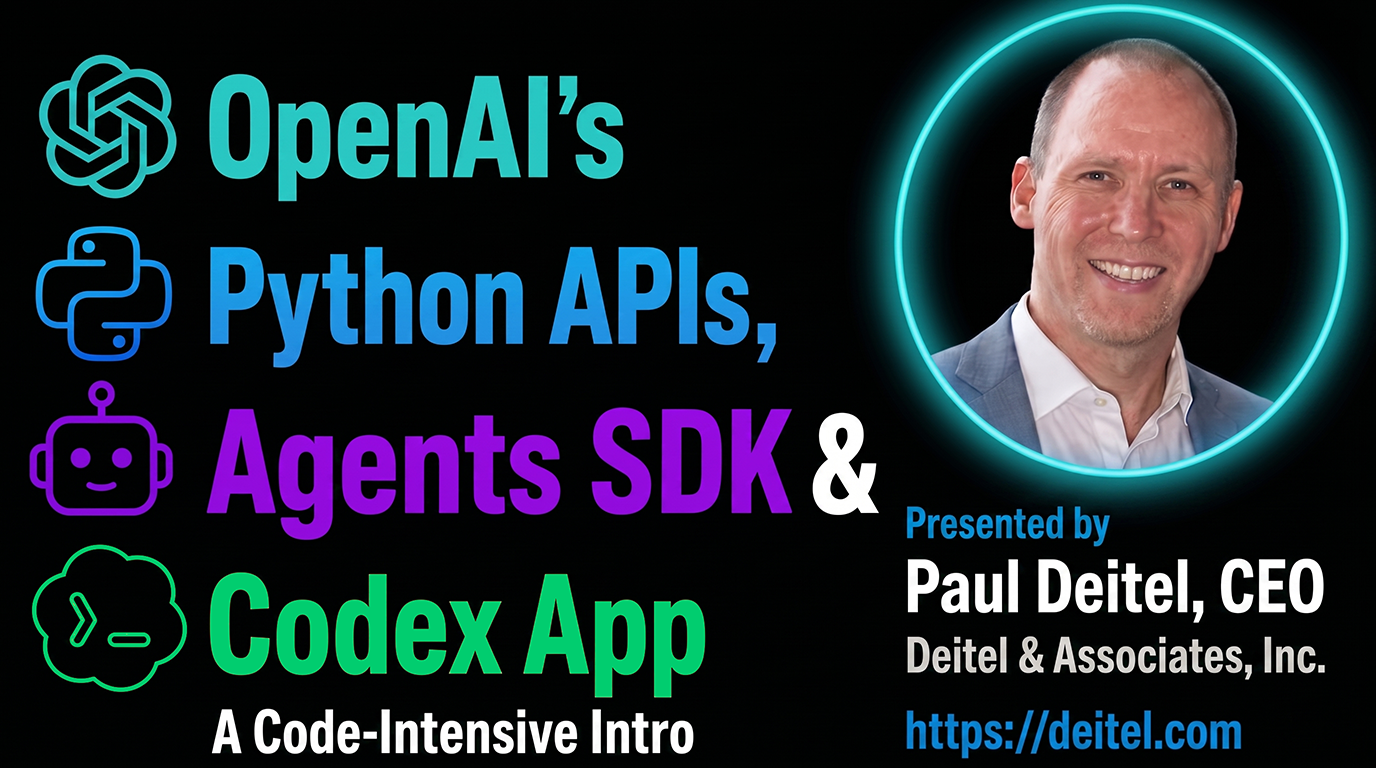
My new 11-hour video course, OpenAI’s Python APIs, Agents SDK and Codex App: A Code-Intensive Intro, covers all three. In the Deitel example-driven, live-code approach applied to 40+ complete working examples in Jupyter Notebooks, you’ll learn:
- genAI programming with OpenAI’s genAI APIs and the official OpenAI Python SDK,
- programming semi-autonomous and autonomous AI agents with the official OpenAI Agents SDK and
- vibe coding and agentic engineering via OpenAI’s Codex agent — now integrated into ChatGPT.
See the end of this post for info on viewing the videos on O’Reilly Online Learning or purchasing the videos from InformIT.com.
What You’ll Build
The course’s parts build on one another, moving from individual API calls to systems that work on your behalf. Along the way, you’ll:
- call OpenAI’s APIs to generate and manipulate text, images and code,
- work with audio — transcribing speech to text, synthesizing speech from text and generating closed captions,
- use vision to analyze images and recognize the objects in them,
- build agents that use hosted tools, custom tools you write yourself and tools running on MCP servers,
- ground agents in your own documents and connect them to your own systems,
- give agents supervised access to a web browser and to other apps on your computer, with human-in-the-loop approval before an agent acts, and
- hand coding tasks to the Codex agent and supervise as it writes, runs, tests, documents, refactors your code and more.
Target Audience
- Python developers who want a code-intensive intro to genAI and agentic AI technologies and want to stay ahead of the curve and enhance career opportunities.
- Python developers who want to integrate OpenAI’s generative and agentic capabilities into their existing Python workflows.
- IT managers contemplating new Python projects that will use genAI and agentic technologies and who want an example-driven guided survey of OpenAI’s Python APIs, Agents SDK and Codex.
- Technical leads or architects evaluating whether and how to incorporate OpenAI APIs and agentic capabilities into their teams’ products and who want a guided survey of OpenAI’s Python APIs, Agents SDK and Codex.
If you’re new to Python, consider starting with Lessons 1–10 of my Python Fundamentals, 2/e video course on O’Reilly Online Learning before watching this course.
What You’ll Need
The OpenAI APIs are online, paid web services, so you’ll need an OpenAI developer account and an API key stored in your OPENAI_API_KEY environment variable. I discuss how to obtain and store this key in the course’s Part 0: Intro and Setup.
The code and Jupyter Notebooks are available in my GitHub repository: pdeitel/OpenAI-APIs-Agents-SDK-and-Codex-Video-Course.
I wrote and tested my demos using Python 3.14 in the Anaconda Python distribution. (Codex and Claude Code both say the examples should work in 3.10 and higher.) The GitHub repository includes setup scripts for macOS and Windows Anaconda users (recommended) or pip/venv users.
Part 0: Intro and Setup
Part 0 gets you oriented and running. I map out the OpenAI Python ecosystem — how the OpenAI Python SDK, the Agents SDK and the Codex app relate to one another and when you’d use each — then walk through running the setup scripts, launching JupyterLab from the course folder, creating your OpenAI developer account and storing your API key safely in an environment variable (never in your source code).
Part 1: OpenAI Python APIs via the OpenAI Python SDK
In this part’s five notebooks, I present 20 examples introducing OpenAI’s core APIs — the foundation for everything that follows.
Start Here: The Responses API
01-01: Text Generation via the Responses API introduces the Responses API — the recommended interface for many use cases and the foundation of the OpenAI Agents SDK presented in Part 2. You’ll implement text generation, summarization, sentiment analysis, vision (object recognition), translation and structured JSON outputs, stream responses as they’re generated (so it looks like the model is typing) and render results as Markdown.
Most later examples build on the patterns you learn in this notebook. Here’s a simple example of an API interaction — two imports, a client object and one call:
from openai import OpenAI
from pathlib import Path

client = OpenAI()  # reads your OPENAI_API_KEY environment variable

transcript = (Path('resources') / 'transcript.txt').read_text()

model_instructions = """Given a Python technical presentation's
transcript, present a numbered list of the top 5 key points.
Use concise, direct sentences and avoid abbreviations."""

response = client.responses.create(model='gpt-5.4-nano',
    instructions=model_instructions, input=transcript)

print(response.output_text)
Other Part 1 Notebooks
| Notebook | What you’ll do |
|---|---|
| 01-02: Speech Recognition, Speech Synthesis and Closed Captions | Transcribe an audio track to text, synthesize speech from text, and generate WebVTT closed captions from a video’s audio track. |
| 01-03: Images: Generation and Style Transfer | Generate original images from text prompts, then restyle existing images into various art styles. |
| 01-04: Content Moderation | Use OpenAI’s moderation endpoint to detect harmful content in text and images, so your applications can filter such content before it reaches your users. |
| 01-05: Generating Code with a Codex Model and the Responses API | Prompt a Codex model programmatically to generate a script, explain existing code, document code with type hints and docstrings, write unit tests, performance-tune, and translate code to another language. We’ll revisit many of these tasks in Part 3, where you’ll describe what you want in natural language and let the Codex agent do the work — including running the code it generates and modifies. |
Part 2: The OpenAI Agents SDK
This is the heart of the course, where you’ll create agents that act on your behalf — 18 examples building from a single agent to multi-agent systems with hosted tools, local tools, MCP servers, browser automation and shell tool commands.
Getting an Agent Running
02-00: Agents SDK Introduction is the conceptual map for everything that follows. I discuss the SDK’s building blocks — agents, runners, tools, handoffs and guardrails — and the ReAct (Reason + Act) pattern that underlies agentic behavior.
Then you build one. 02-01: Single-Agent System — Python Tutor uses Agent, Runner.run() and RunResult to create a tutor that answers Python questions. You’ll see how little code it takes to build and run an agent.
Three notebooks then make that first agent practical. Agents are stateless by default, so 02-02: Conversation State in Agents gives yours a memory for multi-step conversations and weighs the trade-offs among server-side state, local persistence and manual conversation management. 02-03: Streaming Text and Events delivers output token-by-token as it’s produced, rather than making the user wait for the complete response. And 02-04: Python Tutor with a Model-Backed Input Guardrail adds an LLM-backed guardrail that screens incoming requests for relevance and refuses off-topic input — guardrails let you set conditions for which inputs your agents process and which outputs they return.
Tools — Where Agents Get Their Capabilities
Tools are what enable an agent to act rather than simply generate text. 02-05-00: Tools Overview lays out the taxonomy — hosted tools that run on OpenAI’s infrastructure, custom tools you write yourself, local tools that run on your machine and hosted tools that run on MCP servers in the cloud — and the next notebooks work through it one capability at a time.
Hosted tools and your own — in 02-05-01: Financial Research Agent, you write your own function tool and combine it with the hosted WebSearchTool to build an agent that researches a company and reports back. You’ll learn how the SDK turns a plain Python function’s signature and docstring into a tool the model can call, and how web search acts as retrieval-augmented generation (RAG), extending a model beyond its training data. 02-05-02: Image Generation and Editing with ImageGenerationTool then lets an agent generate and edit images as part of its reasoning loop, rather than you calling the image API yourself — the difference between you orchestrating a capability and an agent deciding when to use it.
Grounding an agent in your own data — 02-05-03: Multi-Agent Deitel Book Concierge with FileSearchTool builds a retrieval-augmented generation (RAG) system over a vector store of Deitel book content, with multiple specialist agents and handoffs between them, so the agent answers from your documents rather than hallucinating. 02-05-04: Code Interpreter Tool gives an agent a CodeInterpreterTool running in a hosted container, so it can write and execute Python code to answer questions it can’t answer by reasoning alone. You’ll learn where the sandbox boundaries are and what comes back from a run.
Connecting agents to your systems with MCP — 02-05-05: Local MCP — SQLite Books Database connects an agent to a local Model Context Protocol server and lets it query a database in natural language, which is how you expose your own systems to agents. 02-05-06: Hosted MCP — Weather and Geocoding does the same against a hosted MCP server, and I discuss the difference between local and hosted MCP servers and when to use each.
Agents that operate apps on your computer — 02-05-07: AccuWeather Agent with ComputerTool builds an agent that controls a real Chromium browser on your machine, navigating AccuWeather.com and reading the forecast. The point is that an agent can drive an application directly, and that human oversight matters when it does. 02-05-08: ShellTool Folder Inspector builds an agent with a custom shell executor that inspects a project folder and generates a README, with human-in-the-loop approval before any command runs. You’ll learn how to supervise and approve an agent’s local system access.
Changing What an Agent Is
Two closing examples show how much you can vary without rewriting your agent. The Agents SDK is model-agnostic, so 02-05-09: Local LLM via LiteLLM and Ollama swaps OpenAI’s hosted models for an open-source model running locally on your own machine using LitellmModel. (Optional: this demo requires an ~8 GB model download.) And 02-05-10: Python Code Tutor with Dynamic Instructions replaces static instructions with a function that builds instructions at runtime based on context, so you can adapt an agent’s persona, difficulty level or domain per user without deploying a second agent.
Part 3: Vibe Coding and Agentic Engineering with the Codex App
In Part 3, we’ll move away from writing Python code ourselves to describing a task in natural language and letting the Codex agent do the work — with your human-in-the-loop supervision.
In 03-00: Overview, I introduce vibe coding and agentic engineering and discuss why human programmers are still crucial for real-world, business- and mission-critical application development. 03-01: AGENTS.md covers the single project-level instructions file — conventions, rules, constraints and more — that shapes an agent’s behavior across every project task. 03-02: Connecting Codex to Your Project Folder wires the Codex desktop app to a local project folder, asks Codex to study the folder’s contents, then asks it to discuss what it learned.
Then I present six hands-on demos — deliberately the same tasks you scripted against the Responses API in notebook 01-05:
| The task | Part 1: you write the code | Part 3: Codex does the work |
|---|---|---|
| Generate a script | You prompt the API and get code back to run yourself. | 03-03 — Codex writes a script that produces a heart-shaped word cloud from Shakespeare’s Romeo and Juliet, runs it (with your permission) and fixes it if it doesn’t run correctly. |
| Explain code | You submit code and read the explanation. | 03-04 — Codex walks you through the code it just wrote, line by line, in as much or as little detail as your Python expertise calls for. You’ll learn to verify, not just trust. |
| Document code | You request type hints, docstrings and comments. | 03-05 — You give Codex undocumented Python code and ask it to add type hints, docstrings and inline comments, if appropriate. |
| Write unit tests | You ask for tests against a snippet. | 03-06 — Codex studies a dice-game project that wasn’t developed with unit testing in mind, suggests a refactoring plan you adjust or approve, then refactors the code and develops the tests. |
| Performance tune | You ask for a faster version. | 03-07 — Codex profiles and optimizes suboptimal die-rolling code — an example we use in our books to introduce the Law of Large Numbers — then runs test cases comparing the original and optimized versions. |
| Translate to another language | You ask for a port and inspect it. | 03-08 — Codex ports working code from Python to Java, and you’ll learn what idiomatic translation requires beyond a syntax swap. |
Comparing the two approaches shows what the agent adds: it runs the code, evaluates the results and corrects its own work, with you supervising each step.
I’ll also discuss how I’ve used Codex for non-coding tasks — the foundation of ChatGPT’s new “Work” feature.
Wrap-Up and Additional References
I close with where to go next, extensive additional references and a guide to the OpenAI SDK’s extensive examples repository — organized into a sensible learning sequence rather than an alphabetical list.
Getting the Course
O’Reilly Online Learning subscribers can start watching now — the entire course is included in my Python Fundamentals, 2/e video course at no additional cost.
Anyone can purchase the standalone video course from InformIT.com (Pearson).
Published August 7, 2026 · ISBN 978-0-13-616451-7 · Online Video, $499.99. For a limited time, use the discount code DEITELVIDEO to get 40% off the list price when purchasing the videos from InformIT.com. Offer expires at 11:59 PM Eastern Time on October 31, 2026. Discount may not be combined with any other offer and is not redeemable for cash. Offer subject to change.
Hope You Enjoy It!
Everything in this course is hands-on. Download the repository, run the setup script, set up your API key, and run the notebooks alongside the videos. That’s how these examples are meant to be experienced — and it’s how you’ll actually retain them.
Please share this post with friends and colleagues who might find it helpful, and contact me with your questions and feedback.
© 2026 by Deitel & Associates, Inc. All Rights Reserved.